
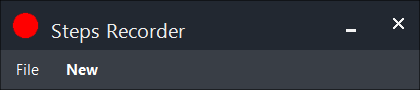


Steps Recorder is a lightweight and easy-to-use utility designed to capture your on-screen actions step by step. Similar to the steps recorder included with Windows, it records mouse clicks, keyboard interactions, and automatically takes screenshots at each action, compiling everything into a clear, structured report.
The generated report provides a chronological view of what occurred on your system, making it especially useful for troubleshooting software issues, documenting workflows, creating tutorials, or providing clear instructions to others. Instead of recording large video files, Steps Recorder focuses on concise, action-based documentation that is simple to review and easy to share.
Built for efficiency and simplicity, Steps Recorder is ideal for users, support teams, and developers who need a reliable way to capture and communicate exactly what happens on screen without unnecessary complexity.